
Your Android Clipboard,
Supercharged & Floating.
Access copied text snippets, full history, and images from any app with a seamless, draggable floating bubble. Enjoy smart one-tap formatting, instant search, and cloud sync.
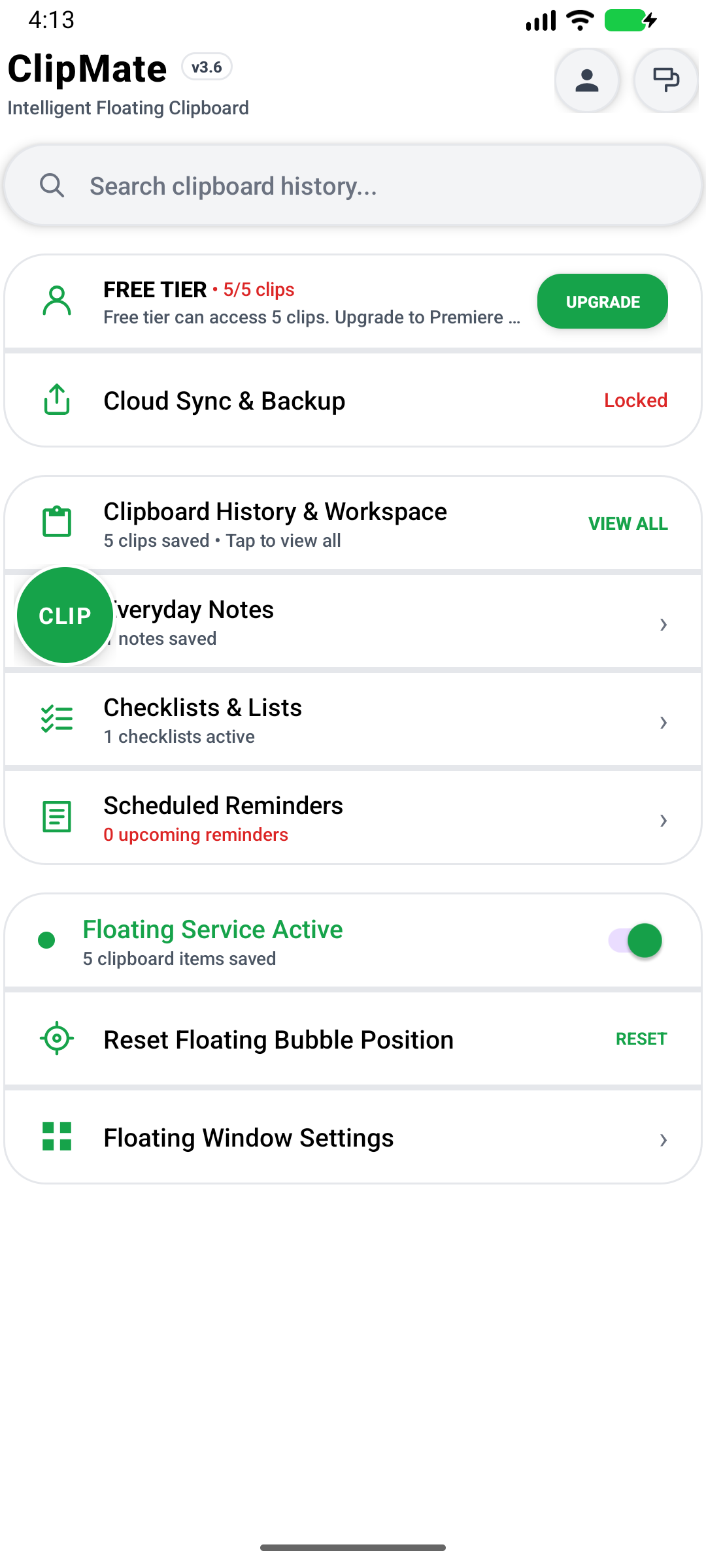
Smooth. Fast. Unobtrusive.
Watch how ClipMate floats over any game, chat, or browser window so you never lose your context.
Built for Power Users & Daily Copiers
ClipMate solves Android's native single-slot clipboard limitation with elegance and speed.
Floating System Overlay
Draggable bubble sits comfortably on the edge of your screen. Tap anytime to expand your full clipboard history without leaving your current app.
Instant Smart Actions
Long-press any saved clip to convert to UPPERCASE/lowercase, trim messy whitespace, open links in Chrome, extract numbers, or share directly.
Images & Text Support
Not just plain text! Automatically capture copied images, screenshots, and rich formatting. View crisp thumbnails right in the history drawer.
Pin & Never Lose Clips
Pin addresses, account numbers, templates, or frequent notes. Pinned items stay permanently locked and immune to automatic cleanup or history clearing.
Cloud Backup & Sync
Sign in with Google, Email, or Facebook to sync your clipboard history securely with Firebase Firestore. Seamless across your phones and tablets.
Privacy & Local-First
By default, all your data resides securely in your device's local database. No tracking, no unsolicited analytics. You own and control your clipboard data.
Designed for Modern Android
Clean Material You design, dark mode, customizable corner radius, and font size options.
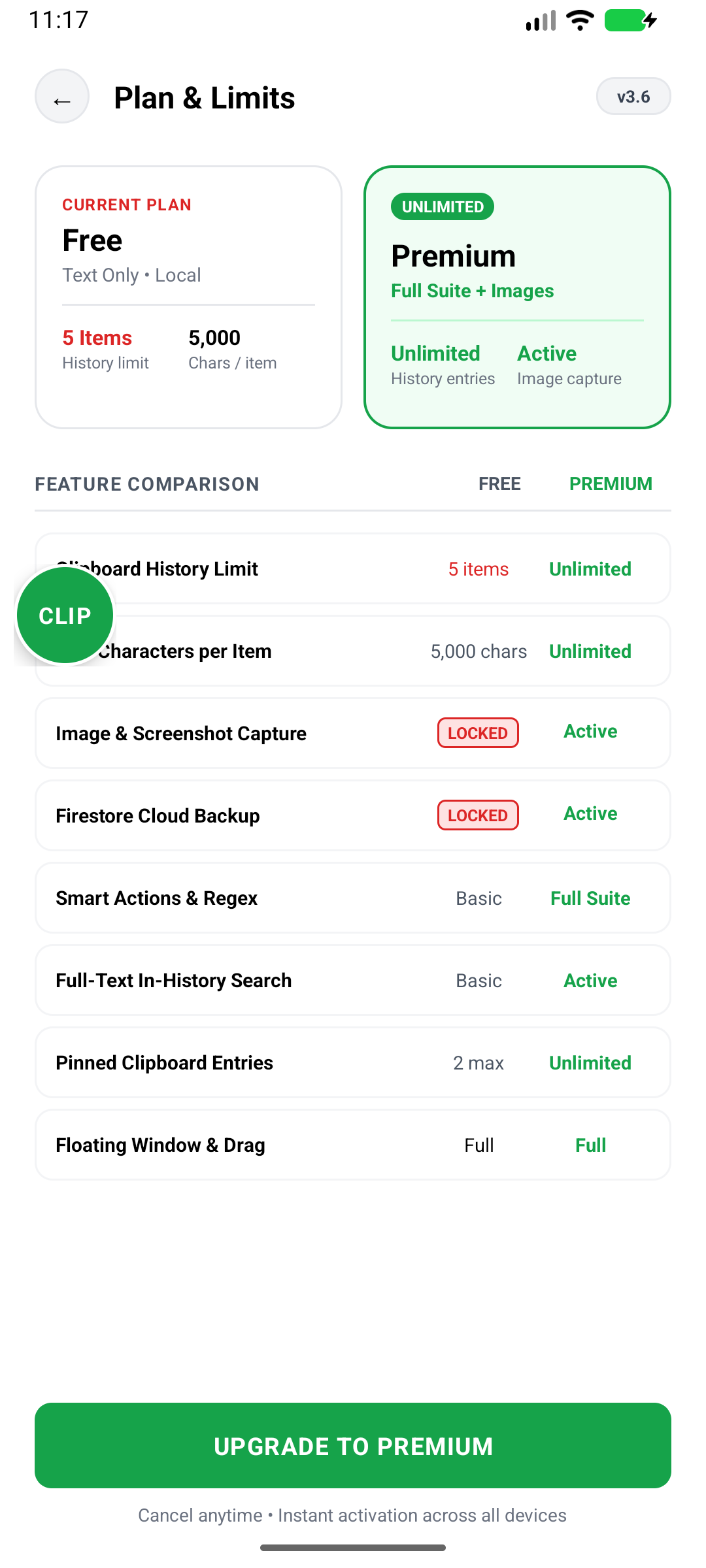
Floating Window
Overlay over any active screen
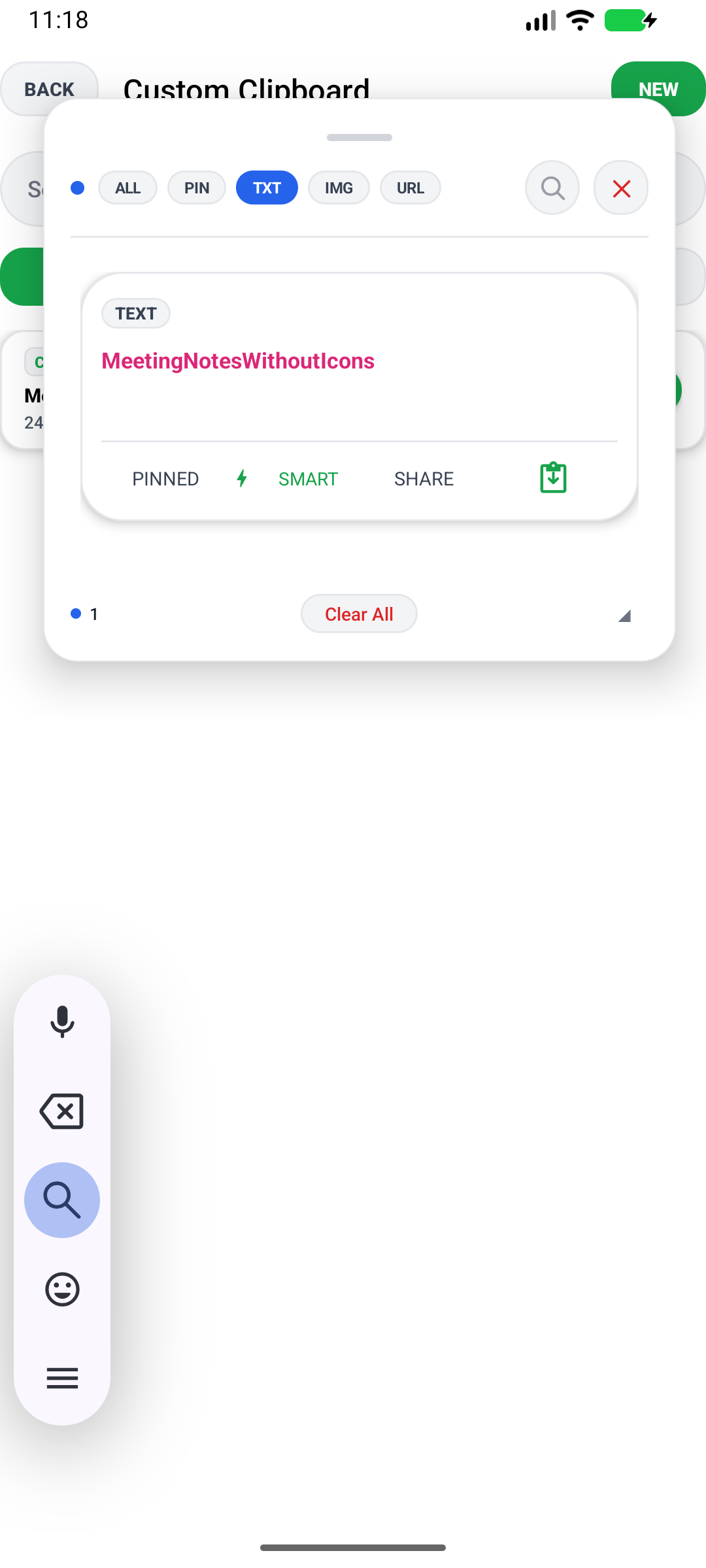
Smart Actions
Trim, convert case, open links
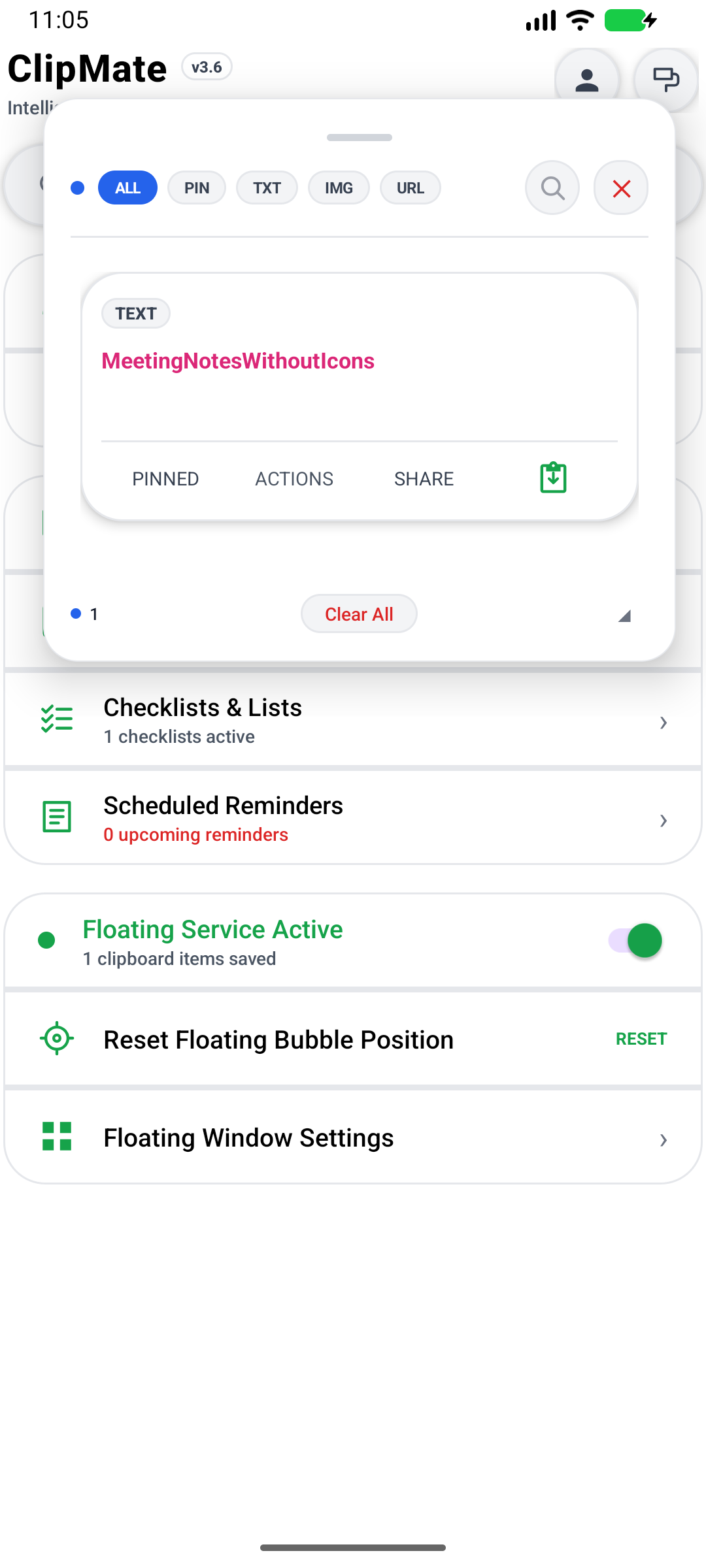
Appearance
Themes, sizing, & presets
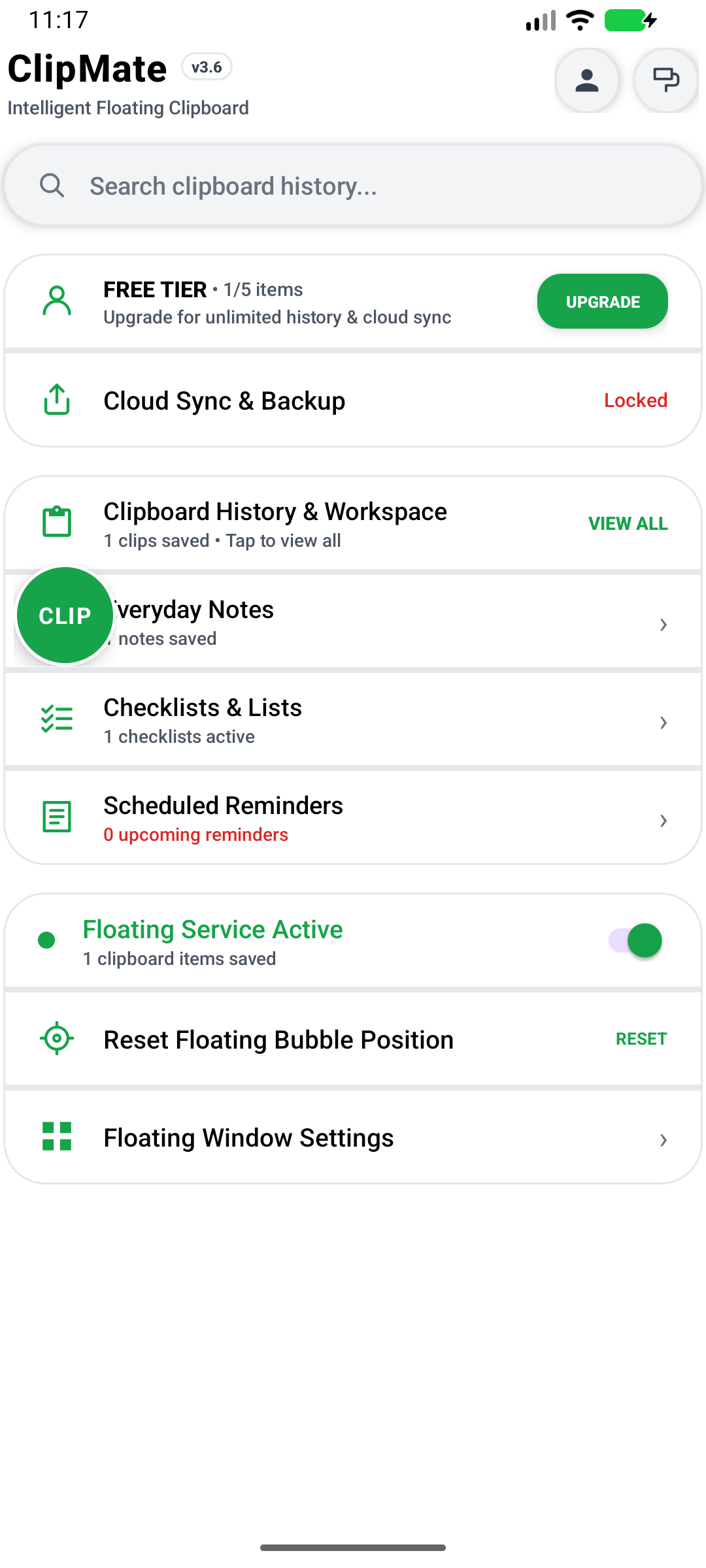
Dashboard & Search
Fast instant search bar
How to Install ClipMate APK
Because ClipMate is distributed directly for peak performance and full accessibility overlay privileges, install it in just four simple steps.
Overlay Permission Required
For the floating bubble to display over other apps, Android requires granting the "Display over other apps" toggle in Settings when you first launch ClipMate.
Download the APK
Tap the Download APK button on this website. Your browser may display a standard security notice about downloaded files—tap "Download anyway".
Open & Allow Installation
Open your browser Downloads or notification tray and tap ClipMate-v1.0.apk. If prompted, enable "Install unknown apps" for your browser.
Complete Installation
Tap "Install" on the Android package installer window. The app will install in seconds.
Launch & Enable Floating Bubble
Open ClipMate, toggle "Enable Floating Bubble", grant overlay permission, and start enjoying frictionless clipboard management!
Technical Specifications
| Application Name | ClipMate |
| Package Identifier | com.golok.clipmate |
| Current Version | v1.0.0 (Build 2026.09) |
| File Size | ~13.4 MB (14,063,826 bytes) |
| Minimum Android Version | Android 7.0 (API 24 - Nougat) or higher |
| Target Android Version | Android 15 (API 36 - Vanilla Ice Cream) |
| Supported Architectures | Universal (arm64-v8a, armeabi-v7a, x86, x86_64) |
Frequently Asked Questions
Is ClipMate safe and free to download?
Yes, ClipMate is 100% free to download. The APK file is compiled directly from verified source code and scanned for malware. It does not contain adware or intrusive trackers.
Why is the floating bubble permission required?
To allow ClipMate to stay accessible as a small floating bubble while you are inside any other app (e.g., WhatsApp, Chrome, or Word), Android requires the "Display over other apps" (SYSTEM_ALERT_WINDOW) permission.
Can ClipMate store images as well as text?
Yes! ClipMate features built-in image clipboard capture. Whenever you copy an image or take a screenshot, ClipMate automatically records it with thumbnail previews in your clipboard panel.
How does Cloud Sync work?
Cloud Sync is optional. By signing into your account (Google, Email, or Facebook), your pinned clips and clipboard history can be backed up automatically to Firebase Firestore, allowing you to restore your clips if you switch devices.
Ready to Boost Your Android Clipboard?
Download the official ClipMate APK now directly from easydownload.site. Fast, free, and lightweight.